Service / Data migration
![DataWash by NB[24]](assets/brand/datawash-endorsed-reversed.svg)
Don't move the mess.
Your new ERP is only as good as the data you carry into it. DataWash cleans that data before it lands.

The wash in seven steps

Step 1
Pre-Wash
Profile the source. Baseline quality scorecard, transformation rules, a prioritized cleaning backlog.
- Found
- Five monsters. On the payroll for fifteen years.
- Charge
- Making three customers out of one, storing phone numbers in a notes field, turning Müller into Müller.
- Status
- Still at largeIdentified, scored, scheduled

Step 2
Soak
Standardize formats. Dates, phones, email, addresses, encoding.
- Suspect
- The Date Mangler a.k.a. 31/02/1900
- Charge
- Your biggest contract started on 31 February 1900. Congratulations.
- Status
- Still at large in every date fieldSoaked. One format, and a rule that keeps it that way.

Step 3
Wash
Apply the rules, correct the errors, add new setup data and cross-reference tables.
- Suspect
- The Encoding Gremlin a.k.a. Müller
- Charge
- Müller has been Müller in every export you have run since 2011.
- Status
- Still at large in every exportWashed. Fixed once, at the source copy.
Step 4 option
Scrub
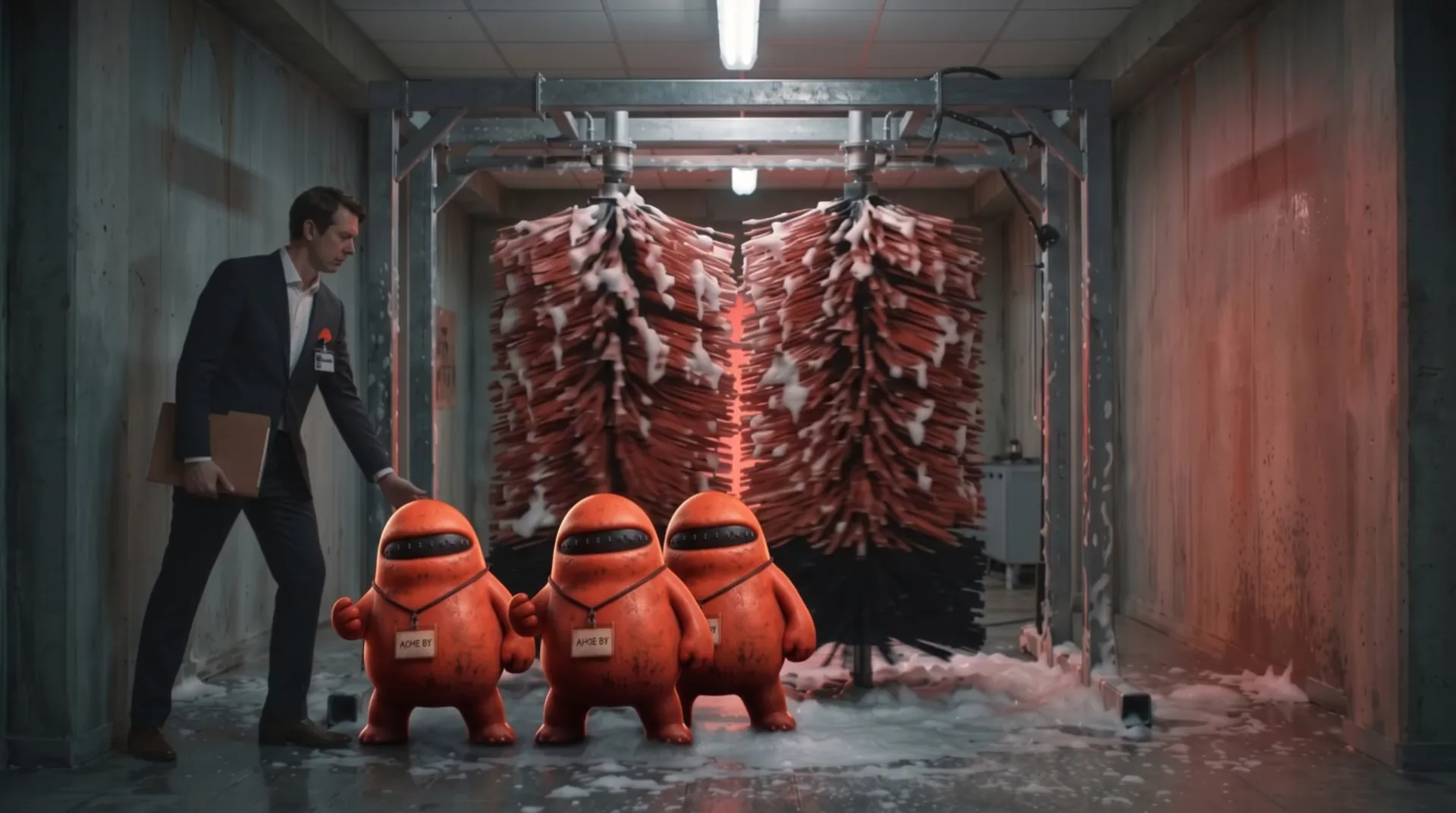
Deduplicate. Fuzzy matching finds the customer that exists three times under three spellings.
- Suspect
- The Dupes a.k.a. ACME BV / ACME bvba / A.C.M.E.
- Status
- Three of them. One customer.One record. You picked it.
Step 5
Rinse
Validate against the target. Test loads into the real system, failures go to quarantine.
- Suspect
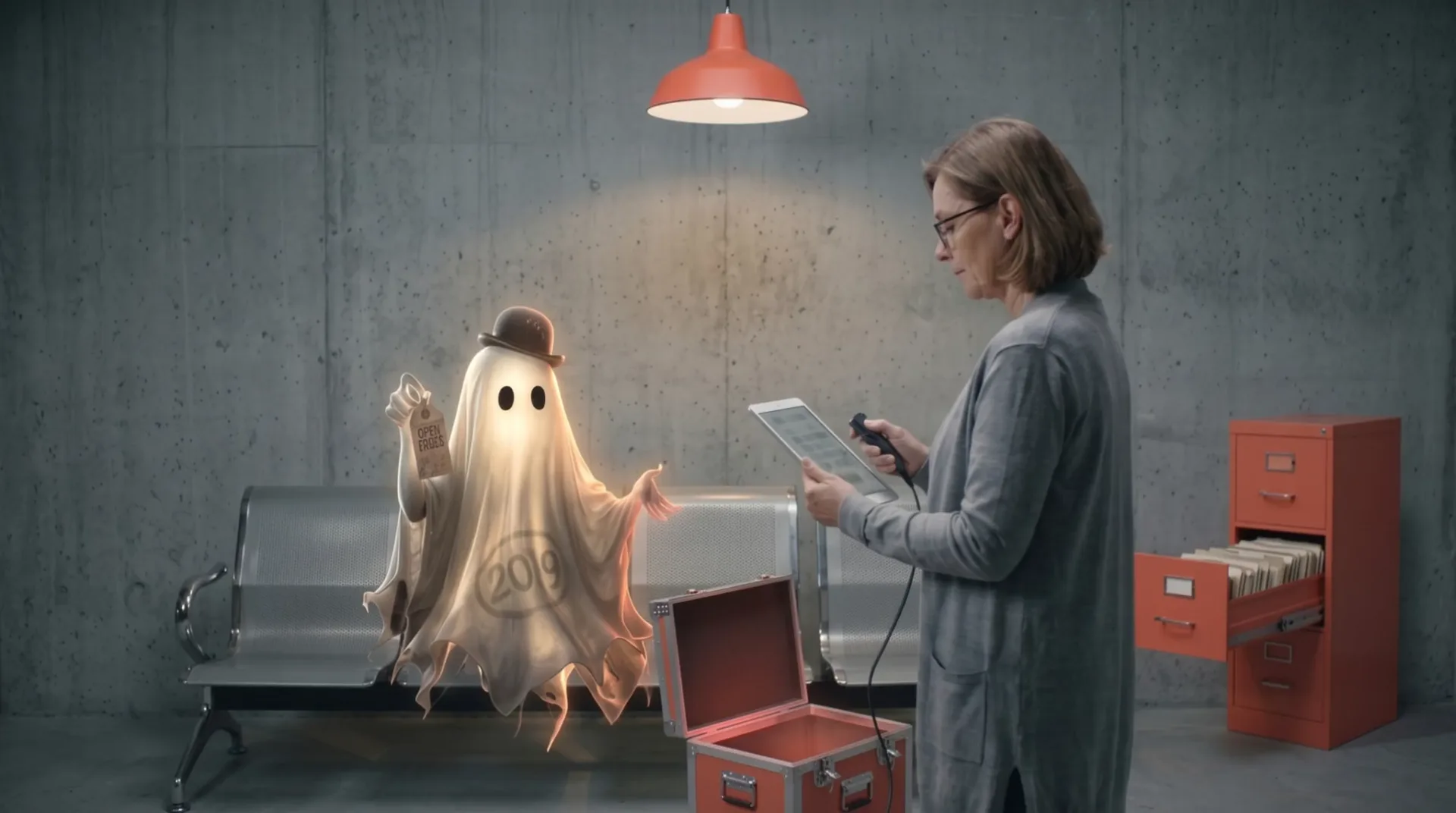
- The Ghost Supplier a.k.a. #4471
- Charge
- An open order from 2019. The supplier stopped trading in 2021. Still on your books.
- Status
- Still in your aging reportQuarantined, by name, with the reason. A person decides. Nothing is deleted quietly.
Step 6 option
Wax
Enrich with external data and derived fields. Clean first, then enrich.
- Suspect
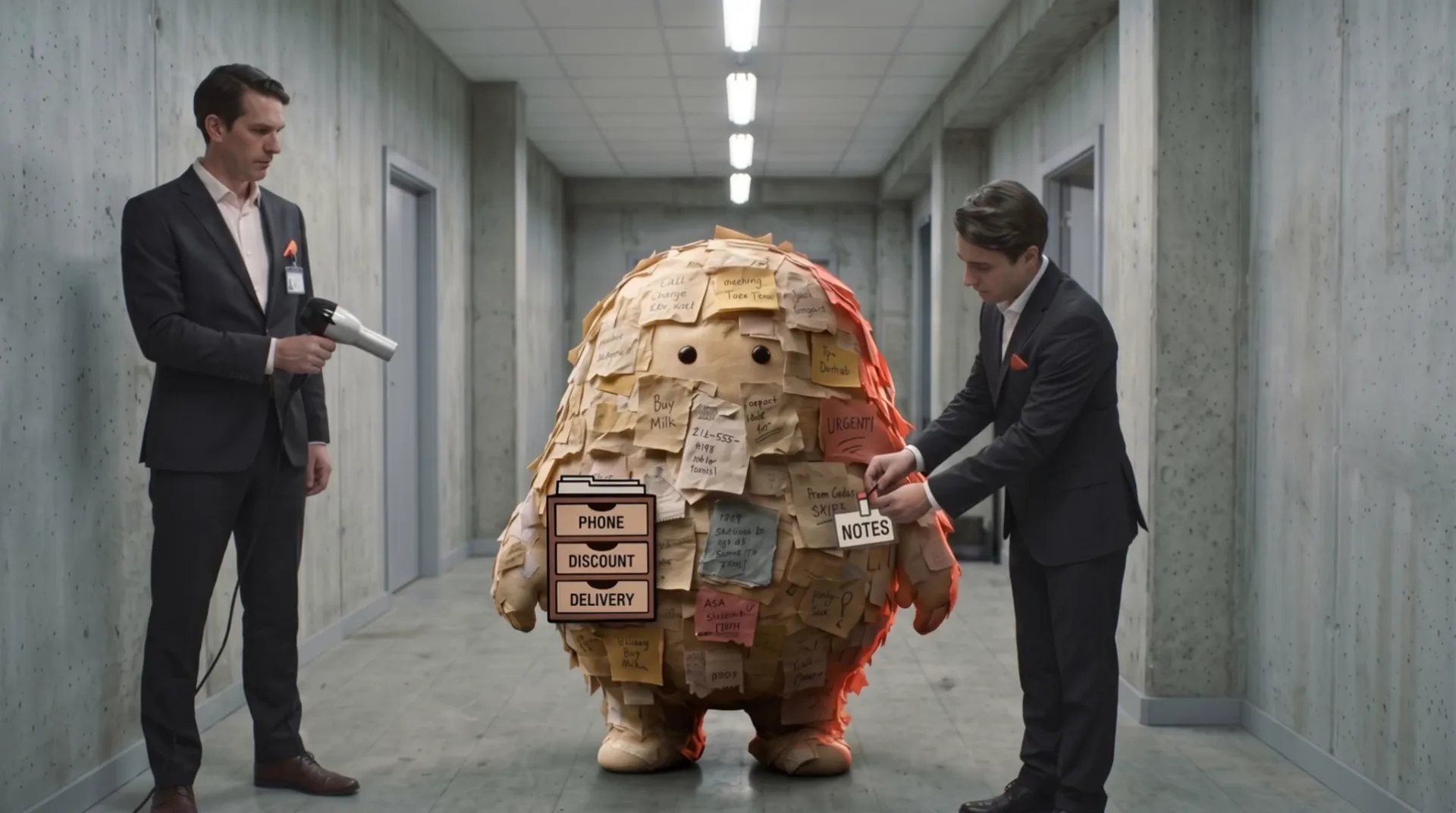
- The Notes Field a.k.a. "see notes"
- Charge
- A phone number, a discount and somebody's lunch order, in one text box.
- Status
- Still at large in one free text boxPhone in the phone field. Discount in the discount field. Nothing thrown away.

Step 7
Dry
Reconcile source against target, check referential integrity, hand over the audit report finance can sign.
Migration audit report
Fictional sample setCustomers
| Encoding normalized to UTF-8 | 312 rows | pass |
| Duplicates by name, VAT and address | 9 merged | pass |
| Mandatory fields: VAT number, country | 2 rows | quarantine |
| Phone numbers in one format | 41 fixed | pass |
| E-mail syntax | 3 fixed | pass |
Vendors
| Active vendor has transactions since 2019 | #4471 | quarantine |
| IBAN checksum | 148 rows | pass |
| Payment terms mapped to target codes | 148 rows | pass |
Contracts
| Dates valid and in ISO 8601 | 6 fixed, 2 rows | quarantine |
| Start date before end date | 206 rows | pass |
| Reference to an existing customer | 206 rows | pass |
Notes fields
| Free text split into phone, discount, delivery | 57 enriched | pass |
| Residual text kept in remarks | 57 rows | pass |
- Records in
- 1,204
- Merged into their master
- 9
- In quarantine, by name, with reason
- 5
- Loaded
- 1,190
- Lost
- 0
Ready for finance to sign.Reconciled
Sample data. Your report lists your tables, your rules and your quarantine, run by run, until cutover.
What comes out of the wash.
- A data quality scorecard, before anyone writes a migration script
- A prioritized cleaning backlog your business owns
- A quarantine table that names every failed record and why
- The Cleaning Companion for manual fixes and deduplication
- A migration dashboard with runs, trends and logs
- Masked data in test and UAT
- A reconciliation and audit report finance can sign
- A clean, structured copy of your data on Microsoft Fabric that stays yours
Day one, not week minus one.
Cleaning starts on a copy of your source data at kickoff. The new system doesn't need to exist yet.
You approve. We don't guess.
Every rule is visible. Your data owners fix and sign off in the Cleaning Companion, a Power App made for business users. No black box.
Current at cutover.
Full load, periodic delta syncs, one last run before cutover. Opening balances match reality.
Who it's for
Companies replacing an ERP or another core system.
Where the data has been running for years and nobody is quite sure what is still correct. Old NAV, SAP, AS400, the .NET application someone built years ago, the spreadsheet that became a system. Business Central and Dataverse are the targets we know best.
DataWash runs alongside your implementation partner. They build the new system. NB[24] makes sure the data that lands in it is right.
- We already have an implementation partner.
- Good. Keep them. DataWash runs next to them, and most partners are relieved somebody else owns the data.
- Our data is fine.
- It might be. The Pre-Wash scorecard will tell you, with numbers instead of a feeling.
- Do we need Microsoft Fabric?
- No. The installation sets it up.
- Which ERP?
- Any target with an API or an import layer. Business Central and Dataverse are the ones we know best.
- How long does it take?
- It depends on volume and on how dirty the data is. That is what the Pre-Wash is for.
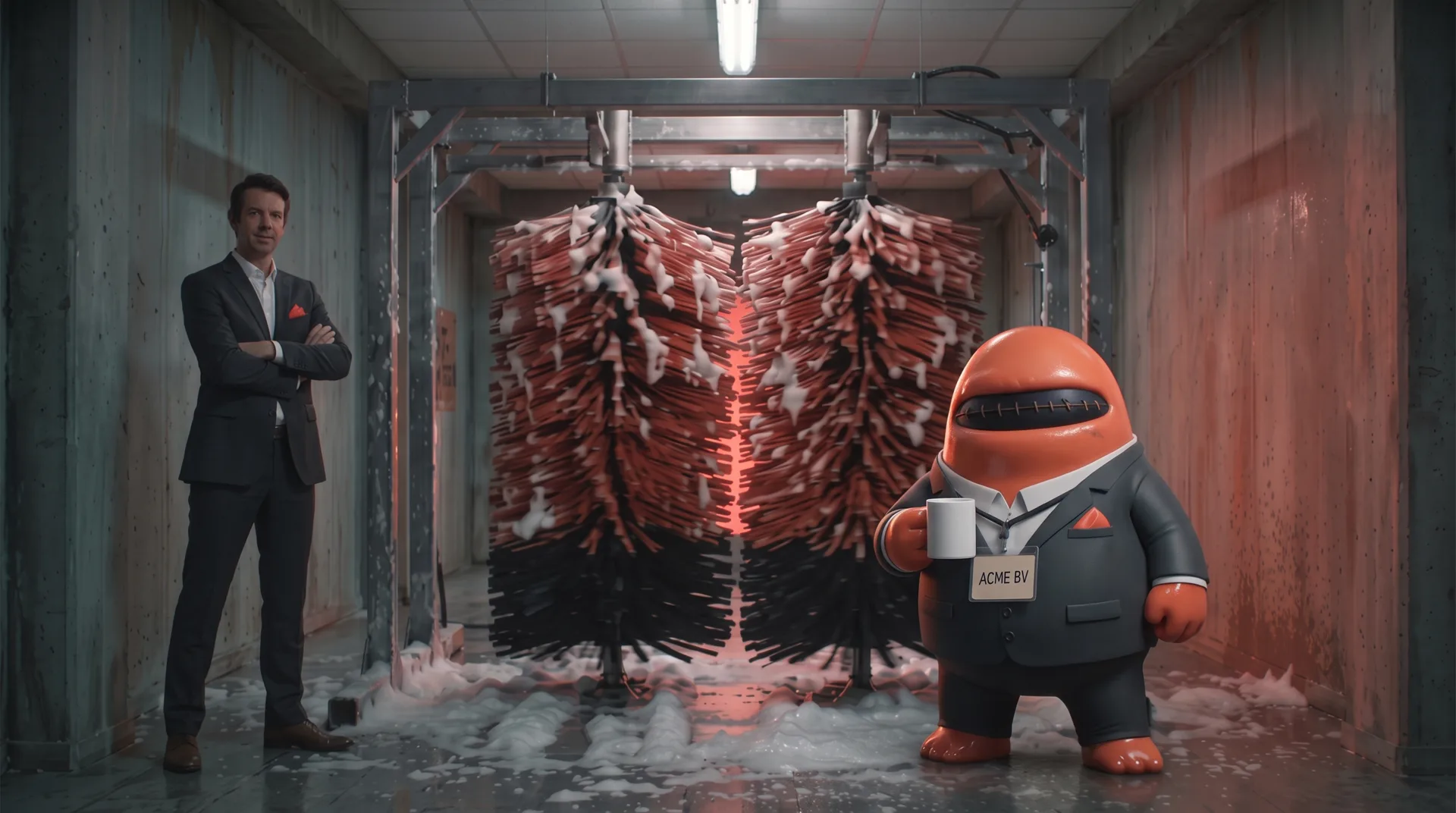
Wash before you move.
Nobody gets fired. They get washed. You kept ACME BV. Good call.